ShaynCut: Free Online Video Editor with AI via MCP
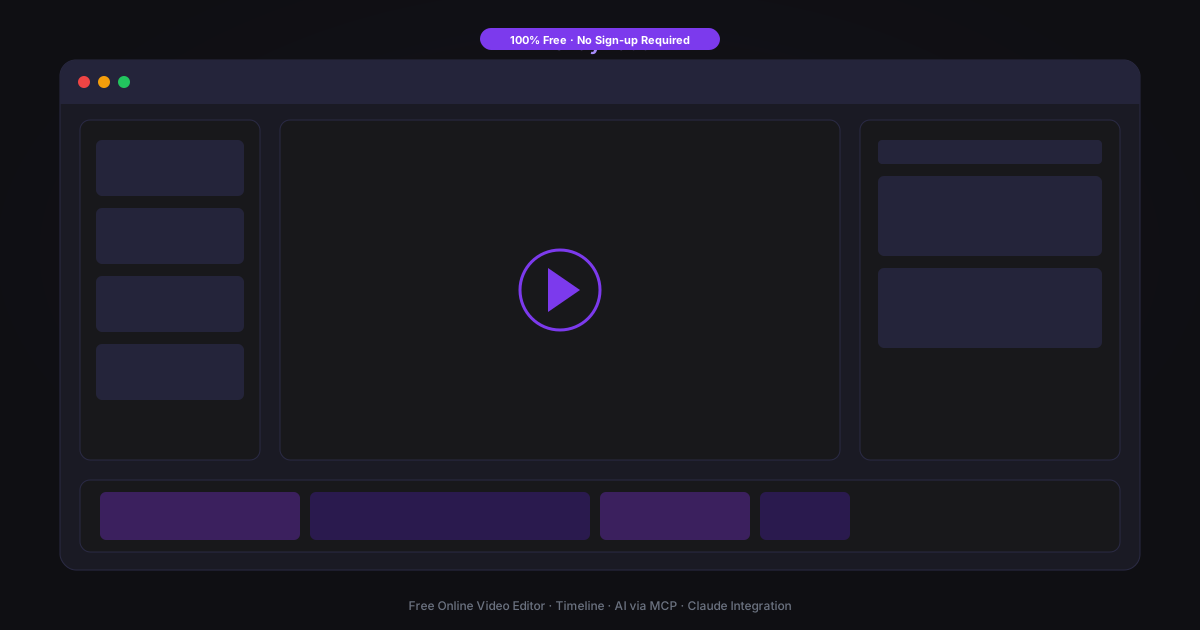
Edit videos in your browser with a full CapCut-style timeline, or connect Claude via MCP for AI-powered editing. No uploads to any server — everything runs locally using FFmpeg.wasm. And it's completely free.
What is ShaynCut?
ShaynCut is a free online video editor that runs entirely in your browser. No downloads, no sign-ups required to start editing. It gives you a professional timeline editor with drag-and-drop, multi-track support, transitions, text overlays, audio mixing — everything you'd expect from a desktop editor like CapCut or Premiere Pro.
But what makes ShaynCut unique is its MCP server. You can connect Claude Desktop or Claude Code to it and edit videos using natural language prompts. Tell Claude what you want, and it controls the video processing automatically.
Two Ways to Use ShaynCut
Manual Editor
Full timeline UI. Drag clips, trim, add effects, export. 100% browser-based.
AI via MCP
Connect Claude. Tell it what to do in plain English. It edits the video for you.
Why It's Different
1. Truly Free — No Hidden Costs
Most "free" video editors limit exports, add watermarks, or require subscriptions. ShaynCut gives you 2 free exports immediately with no registration. Create a free account and get unlimited exports forever. No credit card, no trial period, no catch.
2. Everything Runs in Your Browser
ShaynCut uses FFmpeg.wasm — the popular FFmpeg tool compiled to WebAssembly. Your video files never leave your computer. All processing happens locally in the browser. This means:
- 🔒 Privacy — Your videos stay on your device
- ⚡ Speed — No uploads to wait for
- 🌐 Offline-ready — Works after initial load
- 💰 Free — No server costs to pass on to you
3. AI Editing via MCP (Model Context Protocol)
This is where ShaynCut really stands out. The MCP server exposes 11 video editing tools that Claude can call automatically. Here's how it works:
You: "Download this video, trim from 0:30 to 2:00,
add background music, and convert to GIF"

Claude:
1. Downloads the video via MCP tool
2. Trims the segment (trim_video)
3. Downloads your music file
4. Mixes audio (add_audio)
5. Converts to GIF (convert_format)
6. Returns: https://shayncut.tech/output/result.gif
How to Connect Claude to ShaynCut
Connecting is simple and takes less than a minute:
- Open Claude Desktop → Click your profile → Settings
- Go to Connector (or Developer in older versions)
- Click Add Custom Connector → Fill in:
Connector Name: ShaynCut
MCP Server URL: https://shayncut.tech/mcp
Type: URL (Streamable HTTP)- Click Save — Claude discovers 11 tools automatically
- Start editing with natural language prompts!
Or if you prefer editing the config file directly (claude_desktop_config.json):
{
  "mcpServers": {
    "shayncut": {
      "url": "https://shayncut.tech/mcp"
    }
  }
}
Example AI Prompts You Can Use
- ✂️ "Trim this video from 0:30 to 1:15 and convert to GIF"
- ⏩ "Speed up this clip 2x and add background music from this URL"
- 🖼️ "Create a slideshow from these 5 images, 3 seconds each"
- 📝 "Add text 'Promo 2025' at the bottom of this video"
- 🔊 "Extract the audio from this video as MP3"
- 🔗 "Merge these 3 video clips together into one file"
Available MCP Tools (11 Total)
When you connect Claude to ShaynCut, it discovers these tools automatically:
| Tool | What It Does |
|---|---|
| edit_video | Smart editor — understands natural language prompts |
| trim_video | Cut a segment by start time and duration |
| merge_videos | Join multiple clips into one video |
| add_audio | Voiceover or background music |
| change_speed | 0.1x to 10x (slow motion / timelapse) |
| image_to_video | Create slideshow from images |
| add_text_overlay | Add captions and titles |
| convert_format | MP4, WebM, GIF, AVI, MOV, MP3, WAV |
| extract_audio | Extract audio from any video |
| download_file | Download a file from URL to the server |
| get_media_info | Get codec, resolution, duration info |
Pricing
Free Plan
- ✅ Full timeline editor
- ✅ All formats supported
- ✅ Browser-based processing
- ✅ No registration needed
Unlimited
- ✅ Unlimited exports
- ✅ Priority support
- ✅ MCP access for Claude
- ✅ Early access to new features
Get Started Now
No sign-ups. No downloads. No credit cards. Just go to shayncut.tech and start editing.
If you use Claude Desktop or Claude Code, connect the MCP server at https://shayncut.tech/mcp and start editing videos with AI prompts today.
For full documentation on connecting Claude, visit shayncut.tech/docs.