Data Time Travel with PostgreSQL: Query Your Database as It Existed at Any Point in Time
What if you could run a SELECT query against your production database and see exactly what the data looked like six months ago — down to the millisecond? Not a backup restore, not a guess from logs. An actual, verifiable, point-in-time snapshot.
This isn't science fiction. It's Shayntech TimeTravel — an open-source tool that gives PostgreSQL databases git-like version control. Every INSERT, UPDATE, and DELETE is captured in an immutable SHA-256 hash chain, then made queryable through a simple time-travel syntax.
And yes, it comes with a professional dashboard, SOC 2 evidence reports, and chain verification built in. Let's dive in.
The Problem: Databases Have No Undo Button
Every company that stores data in a database has the same nightmare scenario: an errant DELETE FROM users without a WHERE clause. A corrupted migration. A bad deployment that silently overwrites critical records. A compliance auditor who asks: “Prove to me that this data wasn't tampered with.”
Traditional solutions are inadequate:
- Manual backups capture snapshots, but you lose all changes between backups
- Database logs record events but not the state of the data at a given moment
- Point-in-time recovery (PITR) restores an entire cluster, not a single table or row
- Application-level audit trails are only as reliable as the app that writes them
What you actually need is git for your database — and that's what TimeTravel provides.
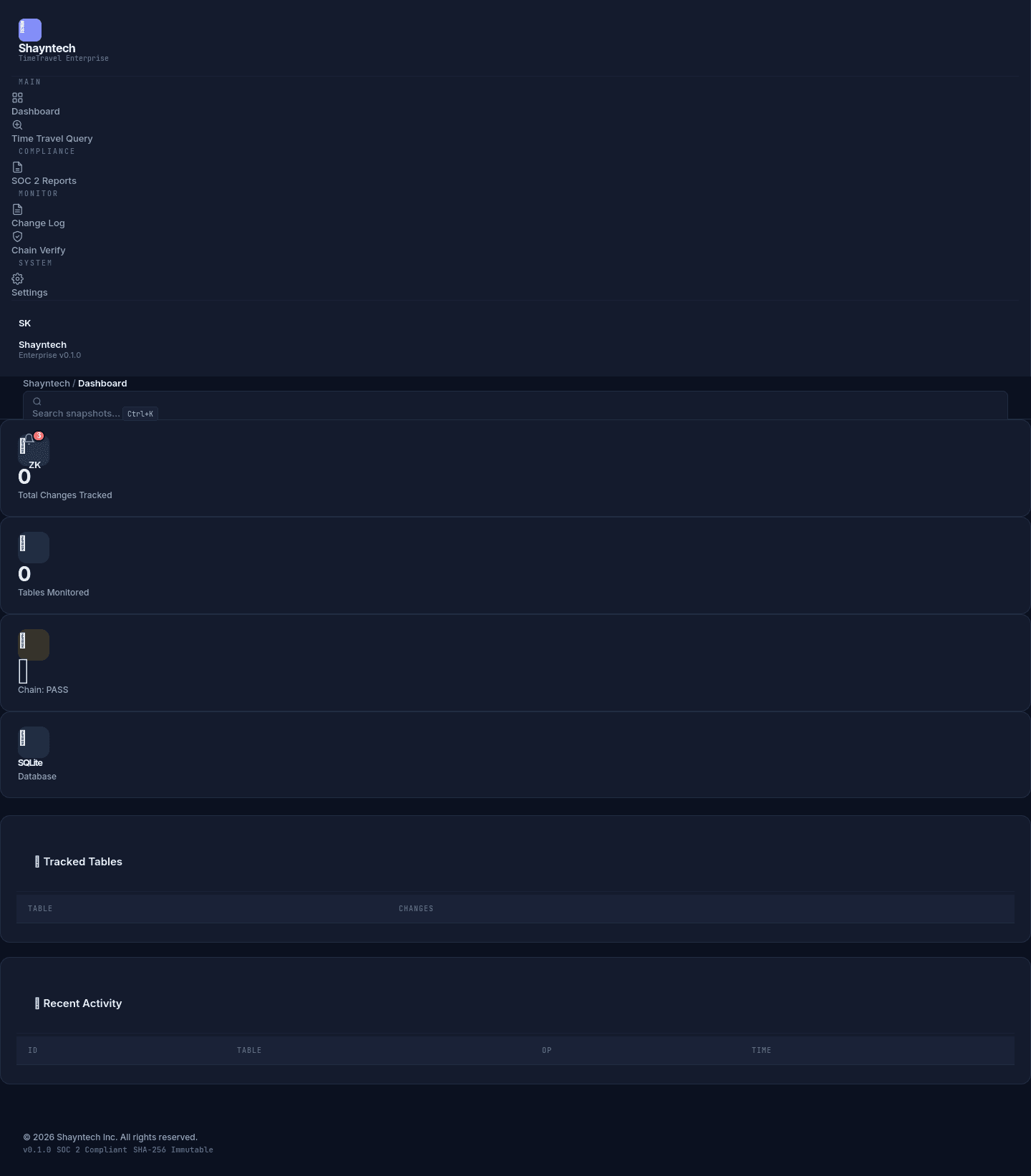
How TimeTravel Works: The Immutable Hash Chain
At its core, TimeTravel is a change data capture (CDC) system with a cryptographic backbone. Here's how it works:
- Track a table: Run
timetravel track usersand TimeTravel creates a shadow history table with database triggers. - Every change is recorded: When data is INSERTed, UPDATEed, or DELETEd, the trigger saves the old + new values along with a SHA-256 hash of the entire change record.
- Hash chain is maintained: Each new transaction includes the previous entry's hash in its own hash. Modifying any past record breaks every subsequent hash — instantly detectable.
- Query any point in time: The Enterprise Dashboard lets you select a date/time and see the exact state of your database at that moment.
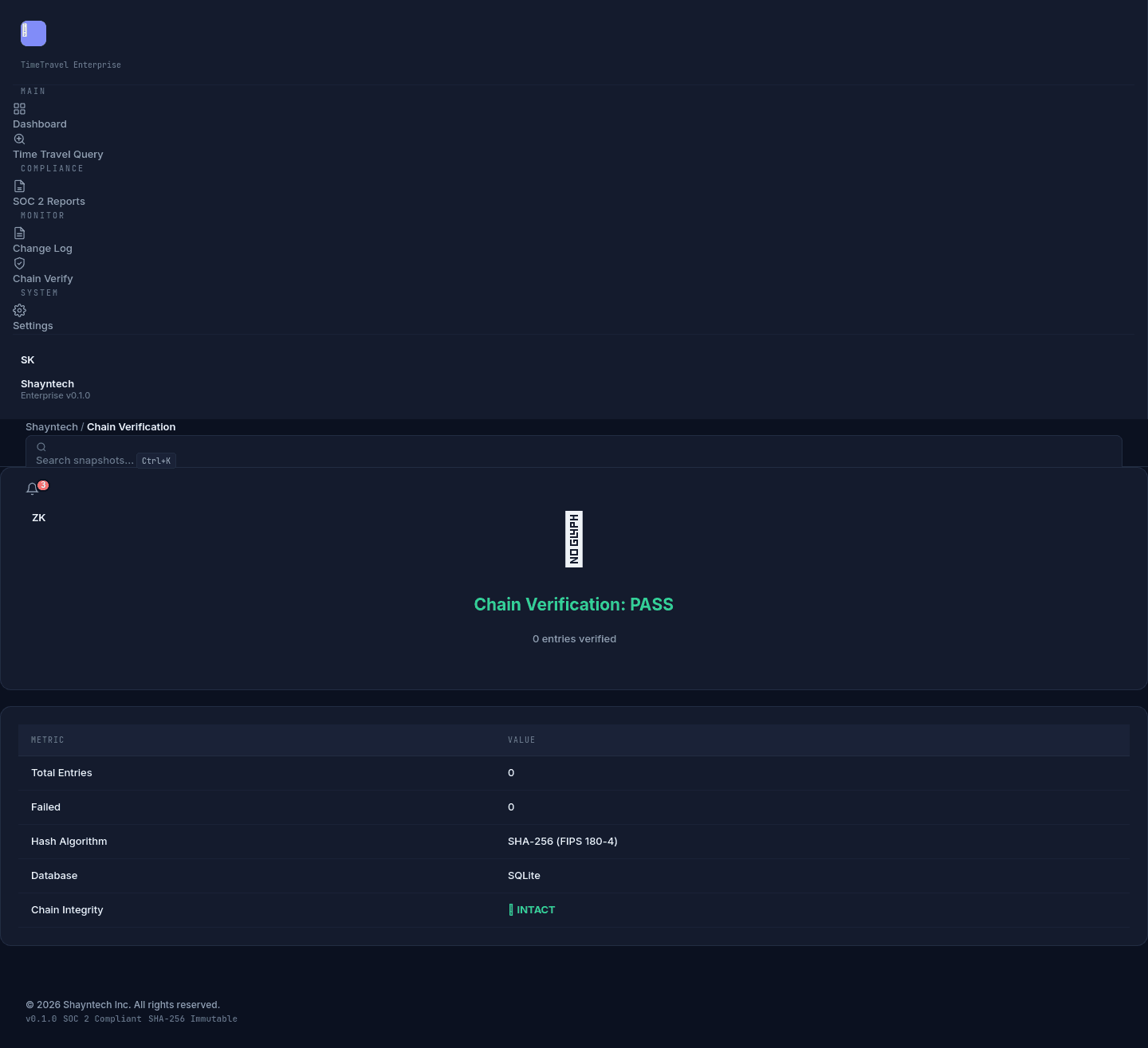
- Verify the chain: Run chain verification to get a PASS/FAIL result with detailed evidence of every entry's integrity.
# Track a table and see its history
$ timetravel track users
# Result: immutable hash chain
Entry #1: SHA256(insert:Alice) → hash_1
Entry #2: SHA256(update:Bob + hash_1) → hash_2
Entry #3: SHA256(delete:Carol + hash_2) → hash_3
# Any tampering breaks the chain
Time Travel Queries: See Data as It Was
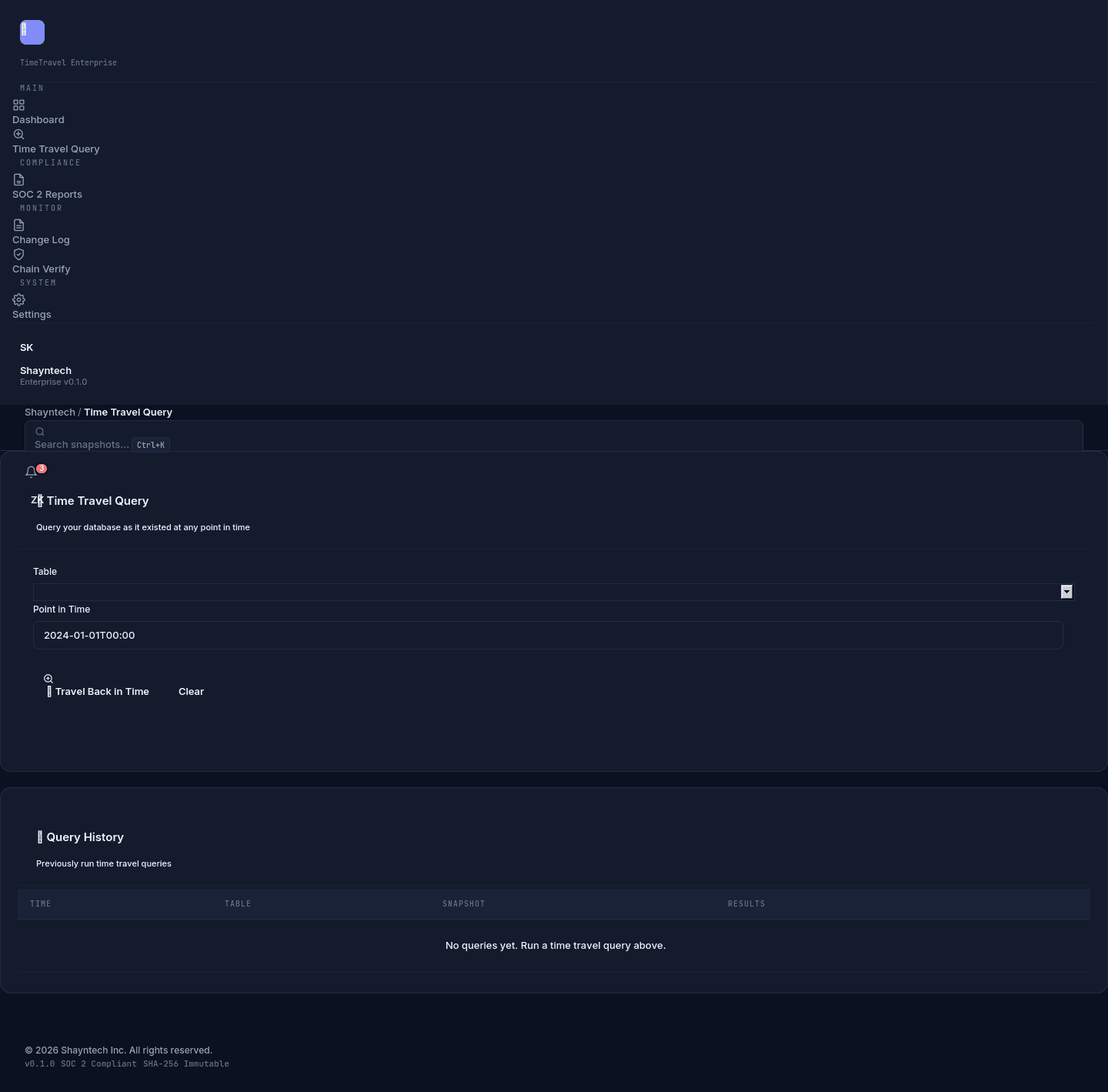
The killer feature is the time travel query interface. Through the Enterprise Dashboard, you can select any table and any timestamp, and TimeTravel reconstructs the exact database state at that moment. Results are displayed as a clean, sortable table — not raw JSON.
Use cases include:
- Forensic analysis: What was this user's role on Jan 15?
- Rollback planning: Show me the order table before yesterday's deployment
- Compliance queries: Prove that records were correct at audit date
- Data archaeology: Recover data that was deleted three months ago
SOC 2 Evidence Reports: Audit-Ready Compliance
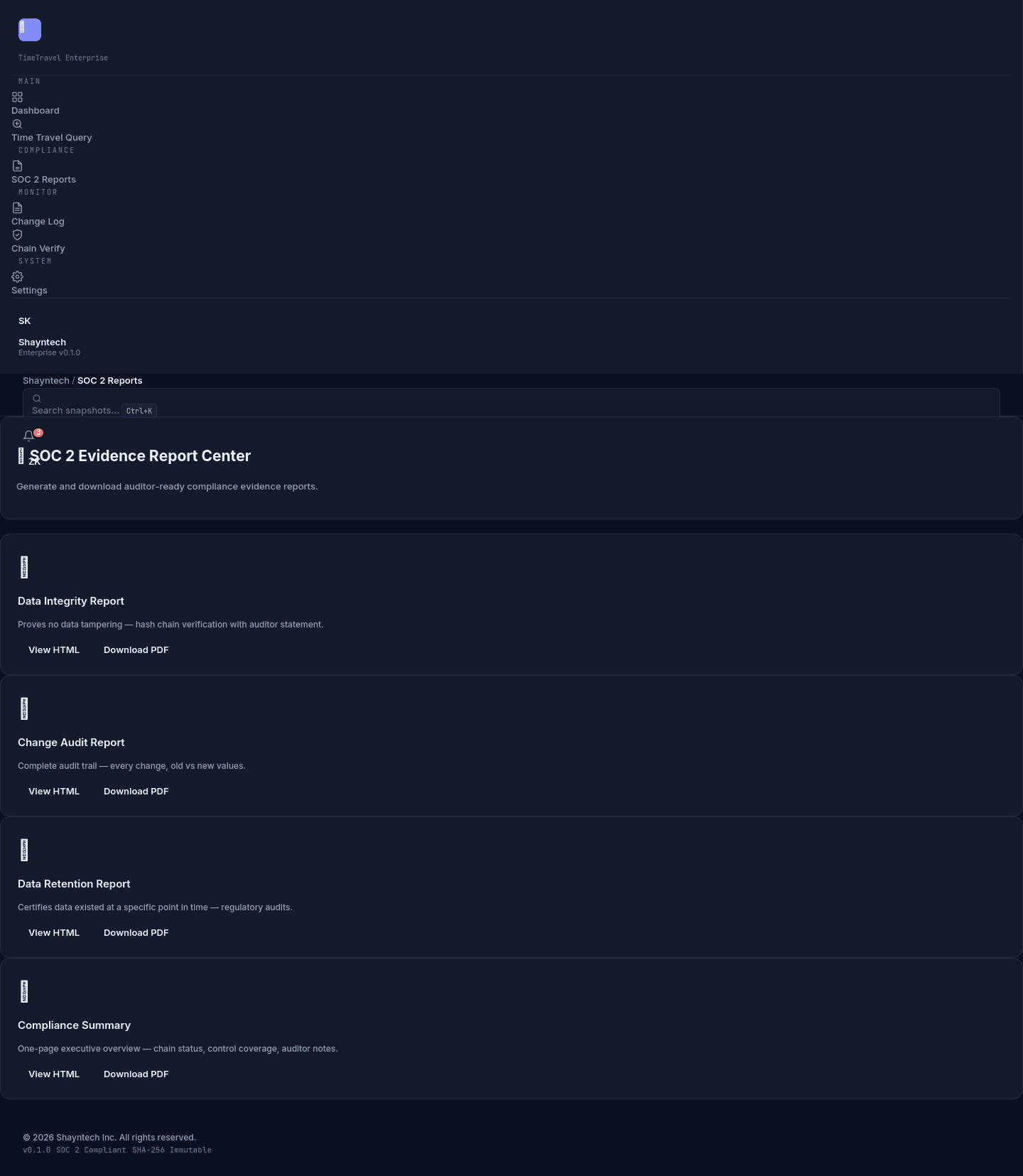
One of the most painful parts of SOC 2 Type II audits is gathering evidence. You need to prove that your data hasn't been tampered with, that change controls are working, and that retention policies are being followed. TimeTravel generates all of this automatically.
The Report Center includes four auditor-ready report types:
| Report | SOC 2 Controls | What It Proves |
|---|---|---|
| Data Integrity | CC6.1, CC6.6 | No data has been tampered with |
| Change Audit | CC7.2 | Every change is logged + traceable |
| Retention | A1.2, A1.3 | Data exists at the right retention period |
| Compliance Summary | CC6.1–A1.3 | Full SOC 2 coverage with auditor statements |
Chain Verification: Tampering Is Instantly Detectable
The hash chain verification is the crown jewel of TimeTravel's security model. With one click, the system re-hashes every entry in the chain and compares it to the stored hash. If even a single byte has been modified — by an attacker, a rogue admin, or a bug — the chain reports a FAIL with detailed information about exactly which entry broke.
This is the same cryptographic principle that makes blockchain technology secure, applied to your database. No special infrastructure needed. No cryptocurrency involved. Just SHA-256, PostgreSQL triggers, and a clean dashboard.
Architecture: Runs on Your Infrastructure
TimeTravel is designed for zero data transfer. The entire system runs on your own infrastructure — your server, your Docker container, your cloud VPC. We never see your data. The open-source code is fully auditable.
Deployment options:
- Docker:
docker-compose up -d— dashboard live in 5 minutes - Bare metal: Install via pip, connect to any PostgreSQL instance
- SQLite (Free Edition): Perfect for development, testing, and small deployments
- PostgreSQL (Enterprise): Production-grade with full time-travel query support
TimeTravel vs. Other Approaches
| Feature | TimeTravel | PITR (PostgreSQL) | Custom Audit Logs |
|---|---|---|---|
| Query any past state | ✅ Single query | ❌ Full cluster restore | ⚠️ Manual reconstruction |
| Tamper detection | ✅ SHA-256 chain | ❌ None | ❌ None |
| SOC 2 evidence | ✅ Auto-generated | ❌ | ⚠️ Manual reports |
| Per-table granularity | ✅ Yes | ❌ Whole cluster | ✅ If implemented |
| Zero data transfer | ✅ Runs on-prem | ✅ Same server | ✅ Depends on setup |
| Open source | ✅ MIT License | ✅ Built-in | ⚠️ You build it |
Getting Started: From Zero to Time Travel in 5 Minutes
- Install TimeTravel:
pip install shayntech-timetravel - Run the demo:
timetravel demo— creates a sample database with simulated changes - Launch the dashboard:
docker-compose up -d - Open the dashboard: Navigate to
http://localhost:8080 - Run your first time travel query: Select a table and a past timestamp — see your data as it was.
For PostgreSQL production deployment, set the TT_PG_CONNECTION environment variable to your connection string:
# PostgreSQL deployment
$ export TT_PG_CONNECTION="postgresql://user:pass@host:5432/mydb"
$ docker-compose up -d
Who Should Use TimeTravel?
CTOs & Engineering Leaders: Add database version control to your stack. Sleep better knowing every production change is captured and verifiable.
Compliance Officers & Auditors: Generate SOC 2 evidence reports in seconds instead of weeks of manual log gathering.
Data Engineers & DBAs: Debug data issues by querying past states. Recover from bad deployments without full database restores.
Startups & Scale-ups: Get SOC 2 ready from day one. Don't wait until an auditor asks for evidence to start tracking changes.
The Bottom Line
Databases are the most critical infrastructure in any modern business, and they've been running without version control for decades. Shayntech TimeTravel changes that. It gives you the power to query the past, detect tampering instantly, and generate SOC 2 evidence automatically — all without sending your data anywhere.
The Free Edition is open source under the MIT license. The Enterprise Edition adds the professional dashboard, PostgreSQL support, SOC 2 reports, and priority support. Both are available now.
Ready to add time travel to your database? Get started at shayntech.com/products/timetravel or clone the GitHub repo and start querying the past.
Shayntech is an AI consulting and software company dedicated to making advanced infrastructure accessible to every team. TimeTravel is one of several open-source tools we've built to help companies build better, more reliable data systems.
Ready to time travel?
Get started with the free open-source edition or deploy the Enterprise Dashboard.